
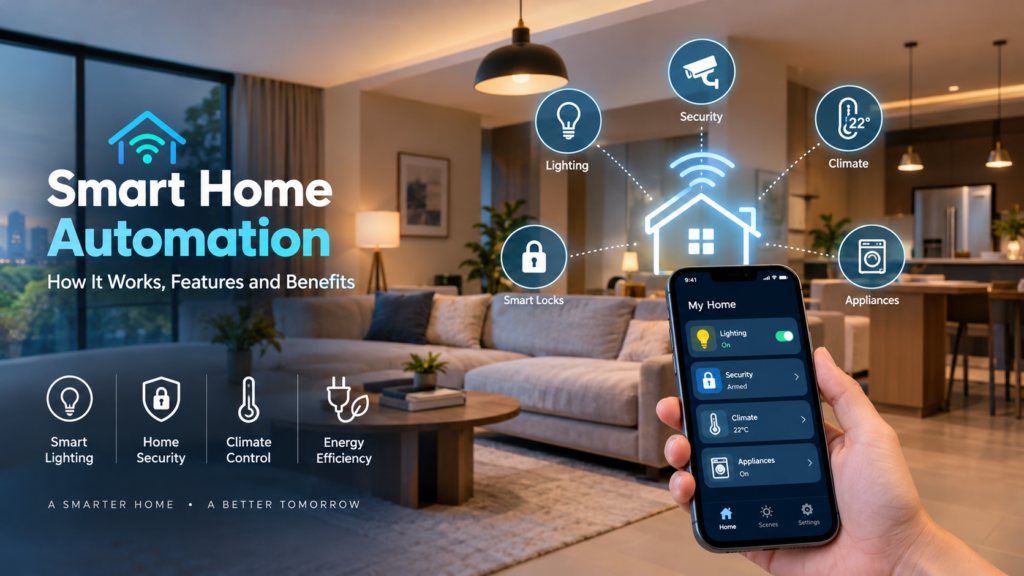
Smart Home Automation: Features, Benefits & How It Works
Modern homes are becoming more connected and intelligent. From lights that switch on automatically to security cameras that send alerts to your phone, smart technology is changing everyday living.
Smart home automation connects devices, sensors, and control systems to manage different functions of a home. Lighting, security, climate control, and appliances can be controlled through mobile apps, voice commands, schedules, or automated routines.
Whether you want greater convenience, improved security, better energy management, or increased comfort, smart home solutions can help create a more connected and efficient living environment.
What Is Smart Home Automation?
Smart home automation uses connected devices, sensors, software, and control systems to monitor and manage different functions within a home. Instead of manually controlling every device, homeowners can create automated routines based on schedules, sensors, location, or preferences.
A basic smart device could be a smart bulb or smart lock. A connected home brings multiple devices together through an app, hub, or voice assistant. A fully automated smart home system allows devices to communicate and perform actions automatically.
For example, lights can turn on when motion is detected, doors can lock automatically at night, curtains can close at sunset, and the thermostat can adjust when nobody is home.
Remote control and automation are different. Remote control allows users to operate a device manually from another location, while automation allows devices to perform tasks automatically based on predefined conditions.
How Does Smart Home Automation Work?
A smart home automation setup combines connected devices, a home network, sensors, a control platform, and automation rules.
Connected Devices
These can include smart lights and switches, plugs, thermostats, air conditioners, security cameras, video doorbells, smart locks, leak detectors, and connected appliances.
Home Network
Devices communicate through technologies such as Wi-Fi, Bluetooth, Zigbee, Z-Wave, or Matter-supported connections. A reliable network is important for consistent device performance.
Control Platform
A mobile app, hub, voice assistant, or touchscreen can provide centralized control. Users can add devices, create schedules, monitor activity, and set automation routines.
Sensors and Automation Rules
Sensors detect motion, temperature, light levels, door or window status, smoke, or water leaks. These inputs can trigger automated actions.
For example:
If motion is detected after sunset, the hallway lights turn on.
This simple “if this happens, then do that” approach is the foundation of home automation.
Key Features of Smart Home Automation
Smart Lighting
A smart home lighting system allows users to control lights remotely, adjust brightness, create scenes, and schedule lighting according to daily routines.
Motion and daylight sensors can also switch lights on or off automatically. For example, lights can turn on when someone enters a room and switch off when the room is empty.
Smart Home Security
Smart cameras, video doorbells, smart locks, door sensors, and motion detectors can improve home monitoring. Users can receive real-time alerts, check cameras remotely, and control locks through their phones.
Automated routines can also activate security devices when residents leave the property. However, smart security should complement good security practices rather than replace them.
Smart Climate Control
Smart thermostats and connected air-conditioning systems can follow schedules, detect occupancy, and allow temperature adjustments remotely.
For homes in Singapore, this can help homeowners manage cooling according to occupancy and daily routines.
Voice Control
Voice assistants can provide hands-free control of compatible devices. Users can turn off lights, adjust temperatures, lock doors, or check cameras using voice commands.
Privacy settings should be reviewed when using voice-enabled devices.
Smart Appliances and Energy Monitoring
Connected washing machines, refrigerators, ovens, coffee makers, and robot vacuum cleaners can provide scheduling, monitoring, and notification features.
Smart plugs and energy dashboards can also help homeowners track electricity consumption and identify unnecessary energy use.
Benefits of Smart Home Automation
Greater Convenience
Multiple devices can be controlled from one platform, while automated morning, evening, and bedtime routines reduce repetitive tasks.
Improved Security
Smart cameras and sensors can provide alerts about motion, open doors, or unusual activity. Remote monitoring allows homeowners to stay connected to their property even when they are away.
Better Energy Efficiency
Automation can switch off unused lights and appliances and adjust cooling when rooms are empty. However, energy savings depend on the devices, settings, property, and user behavior.
Increased Comfort
Homeowners can personalize lighting, temperature, curtains, entertainment, and other functions for working, relaxing, sleeping, or entertaining.
Improved Accessibility
Voice commands, mobile apps, sensors, and centralized controls can make everyday functions easier to operate, particularly for older adults and people with mobility limitations.
Smart Home Automation in Everyday Life
Smart home automation becomes more useful when different devices work together.
Morning: Bedroom lights gradually turn on, curtains open, the thermostat adjusts, and a coffee maker starts at a scheduled time.
Leaving home: Selected lights and appliances switch off, doors lock, security systems activate, and the thermostat moves to an energy-saving setting.
Evening: Outdoor lights turn on around sunset, curtains close, and indoor lighting changes to a softer setting.
Vacation: Lights operate on schedules, cameras remain active, and water-leak sensors continue monitoring the property while important alerts are sent to the homeowner.
How to Start a Smart Home
You do not need to automate your entire home immediately. Start with one specific need, such as security, lighting, comfort, or energy management.
Choose compatible products that work with the same platform, hub, voice assistant, or communication standard. Starting with two or three devices, such as smart bulbs, plugs, motion sensors, or a camera, allows you to test the system before expanding.
Reliable Wi-Fi coverage is also important. Larger homes may benefit from a suitable router or mesh network.
If you are exploring a smart home system Singapore homeowners can use, consider the property’s layout, connectivity, lifestyle requirements, and future expansion before selecting a system.
Challenges and Safety Considerations
Smart home technology requires attention to privacy, cybersecurity, compatibility, cost, and reliability.
Use strong and unique passwords, enable multi-factor authentication where available, update device software, and purchase products from reputable manufacturers.
Devices from different brands may not always work together, so check compatibility before purchasing.
Costs can include devices, installation, electrical work, hubs, subscriptions, and maintenance. Some features may also depend on internet or power availability. Important systems should have manual controls or suitable backup options where possible.
When comparing smart home solutions Singapore providers offer, consider reliability and long-term compatibility alongside features and price.
Frequently Asked Questions
Can I convert my existing home into a smart home?
Yes. Many wireless smart devices can be added to existing homes without major renovation or rewiring. Complex electrical and whole-home systems may require professional installation.
Is smart home automation expensive?
Costs vary depending on the number of devices and level of integration. Starting with one room or one specific use case can reduce the initial investment.
Does smart home automation save electricity?
Automation can reduce energy waste by controlling lights, appliances, and cooling systems. However, actual savings depend on usage, settings, and property conditions.
Can devices from different brands work together?
Sometimes. Compatibility depends on the platform, hub, communication standards, and integrations supported by the devices.
Is professional installation necessary?
Basic devices can often be installed by homeowners. Electrical systems, security setups, networking, and complex integrations may require professional installation.
Conclusion
Smart home automation connects devices, sensors, apps, and automation rules to create a more convenient and responsive home. From lighting and security to climate control and energy monitoring, a well-planned system can improve comfort, convenience, efficiency, and accessibility.
The best approach is to start with a specific need, choose secure and compatible devices, and expand gradually as your requirements grow.
Ready to make your home smarter? Start with one daily task to automate and build your smart home system around the way you live.
